Standard Operating Procedures
Trusted Companion Operations Manual
Your complete guide to being a Nattrly Trusted Companion — from onboarding through your first session and beyond.
1. Getting Started
Thank you for joining Nattrly as a Trusted Companion! You're becoming part of a community dedicated to meaningful connection with seniors.
Two ways to join:
- New sign-up: Visit nattrly.com, tap "Get Started", sign in, and choose "Trusted Companion" as your role
- Existing member: Go to My Profile, scroll to the bottom, and tap "Start Trusted Companion application"
Video coming soon
2. Onboarding Checklist
Complete each step to get approved and start accepting bookings:
- Age & Date of Birth — You must be at least 21 years old to become a Trusted Companion. Provide your date of birth during registration
- Profile Setup — Display name, photo, and a friendly bio that tells members about you
- Interests — Select conversation topics you enjoy (sports, music, gardening, cooking, etc.)
- Service Types — Choose whether you offer in-person visits, virtual calls, or both
- Availability — Select which days of the week you're available
- Document Upload — Upload a government-issued photo ID (driver's license or passport) and proof of US work authorization
- Personal Protective Information (PPI) — Provide your Social Security Number and date of birth for identity verification and background check processing. This information is encrypted and stored securely
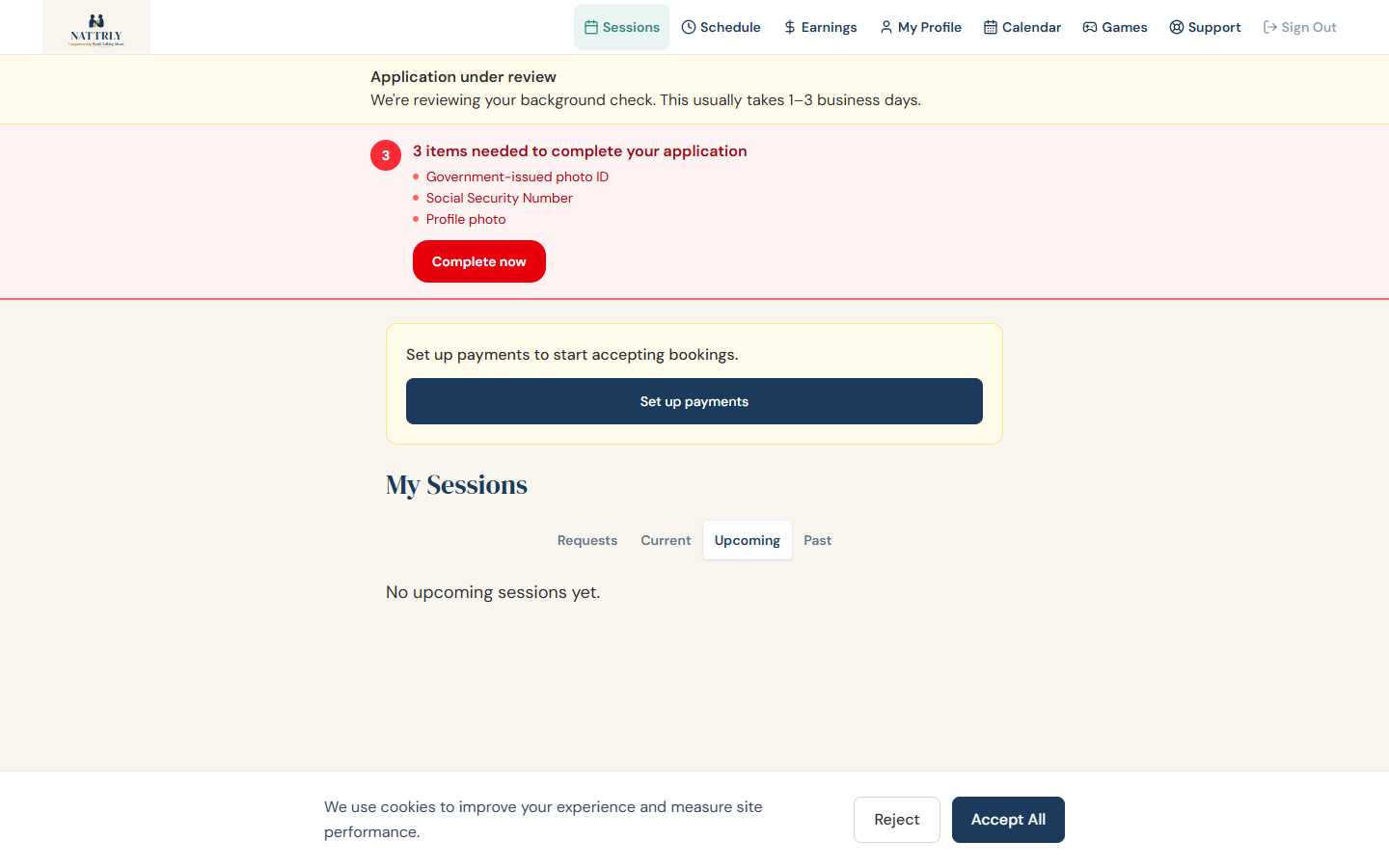
- 3-Stage Verification — We run a rigorous background screening: (1) Pipl identity validation, (2) Au10tix ID document + face analytics, (3) KIT Recon full OSINT background check — criminal records across all 50 states, federal databases, social network screening, facial recognition, and reverse image search. This typically takes 1–3 business days. You'll receive an email when complete
- Payment Setup — Connect your bank account via Stripe so you can receive earnings
Note: You cannot accept bookings until all steps are complete and your background check is approved. The status banner on your dashboard shows your current progress.
Independent Contractor Agreement: By completing onboarding, you agree to our Trusted Companion Agreement, which outlines your relationship with Nattrly as an independent contractor.
Video coming soon
3. Profile Best Practices
Trusted Companions with complete, warm profiles get booked 3x more often. Here's how to stand out:
Photo Tips
- Use a clear, well-lit headshot with a friendly smile
- Avoid sunglasses, hats, or group photos
- A plain or simple background works best
Writing Your Bio
- Write in first person ("I love..." not "John loves...")
- Mention 2–3 specific interests or hobbies
- Share what motivates you to be a Trusted Companion
- Keep it warm and approachable — members are often nervous about their first booking
- Aim for 2–4 sentences
Interests
Select as many interests as genuinely apply. The more interests you share with a member, the higher you appear in their search results. Only select topics you can actually discuss — authenticity matters. You can also suggest new interest topics for the community.
4. Accepting & Declining Bookings
- When a member books you, you'll receive an email notification
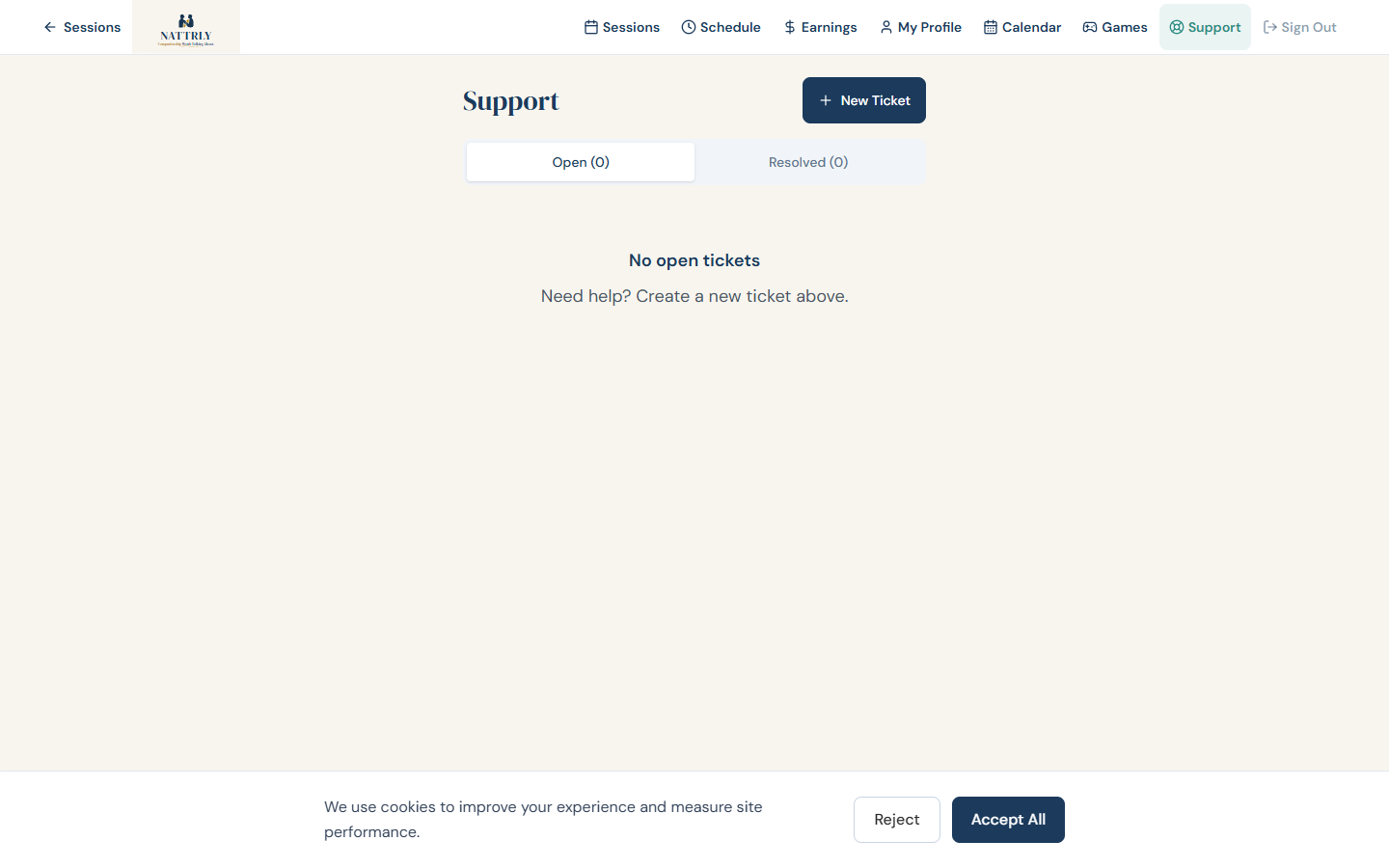
- Log in to your Trusted Companion dashboard to see the booking details
- Tap "Accept" to confirm — the member is notified and the session is locked in
- Tap "Decline" if you can't make it — the member's session credit is returned automatically
Important: Bookings not responded to by 2 hours before the session are automatically cancelled. You'll receive reminders every 2 hours until you respond.
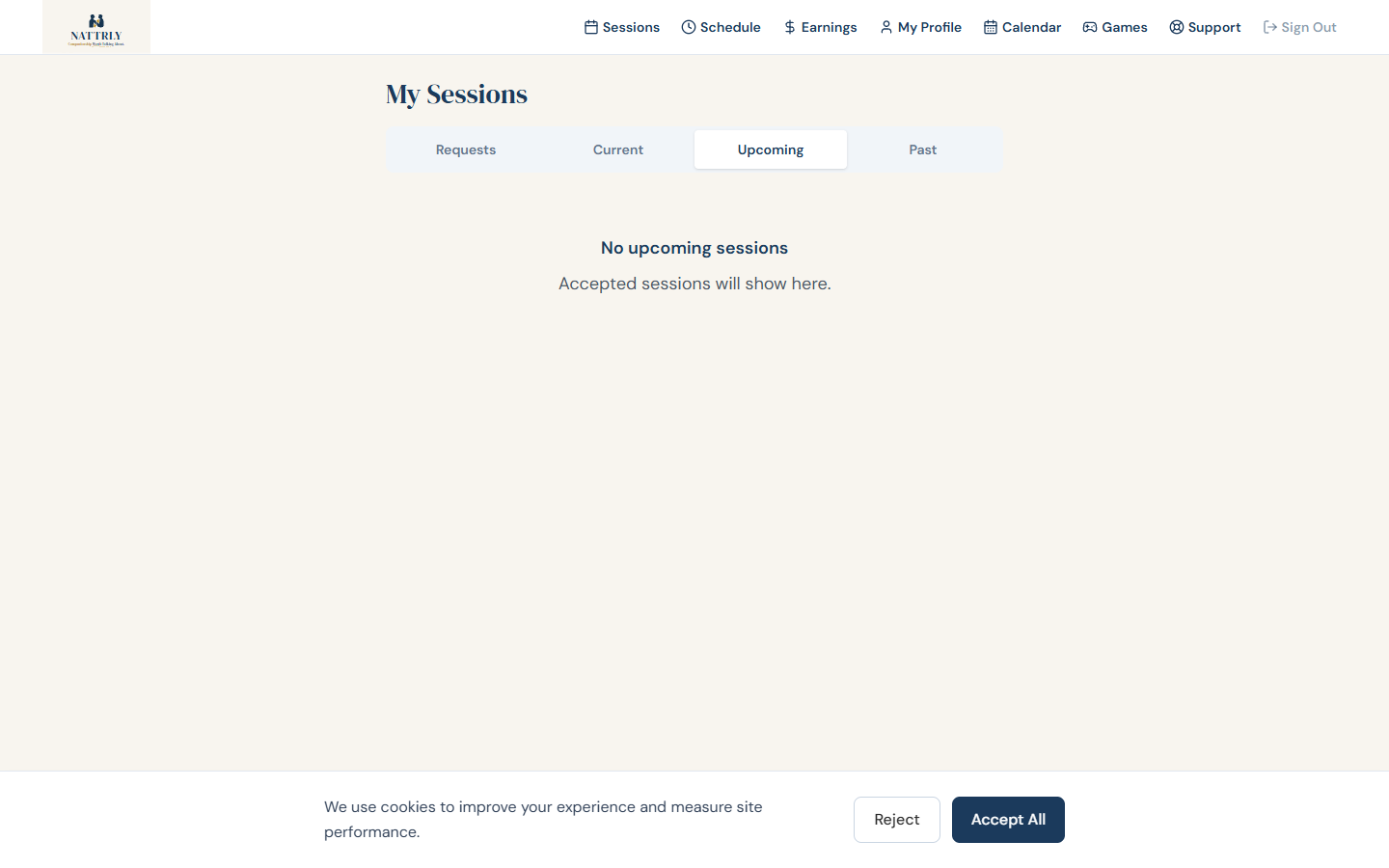
Upcoming Count Badge: A red badge on your Sessions tab shows how many upcoming sessions need your attention. Keep an eye on it!
Video coming soon
5. Session Conduct
Your role is to provide warm, friendly companionship. Here's what's expected:
- Be punctual — arrive on time for in-person visits and be ready for virtual calls at the scheduled time
- Be present — give the member your full attention. Put your phone away (except for the Nattrly app)
- Be patient — many members are seniors and may need extra time or repeat themselves. That's okay!
- Be respectful — honor the member's pace, preferences, and boundaries
- Follow their lead — let the member guide the conversation. You're there for them
- Check accessibility needs — review the member's profile for hearing aids, mobility aids, or other needs before the session
- Stay for the full duration — unless the member asks to end early
6. In-Person Visit Procedures
Before the Visit
- Review the member's profile — their bio, interests, and accessibility needs
- Plan to arrive 5 minutes early
- Dress neatly and appropriately
During the Visit
- Mark yourself as "En Route" when you leave for the session
- Mark "Arrived" when you reach the location
- Tap "Start Session" — this notifies the member's emergency contacts that a session is in progress
- Greet the member warmly and introduce yourself
- Settle into a comfortable conversation — use shared interests as icebreakers
- Keep the Nattrly app open on your phone for session tracking and SOS
- Do not leave the session location during the booking
Ending the Visit
- Give a 10-minute heads up before the session ends
- Wrap up the conversation naturally and say goodbye
- Tap "Complete Session" in the app
- If the session ended early, you can enter the actual duration — the member is only charged for time used (rounded to nearest 15 minutes)
7. Virtual Call Procedures
Setup
- Use a computer or tablet with a webcam (phone works too)
- Find a quiet, well-lit space with a clean background
- Test your camera and microphone beforehand
- Use a stable internet connection (Wi-Fi recommended)
During the Call
- Click "Join Call" from your session card at the scheduled time
- The call opens in your browser — no app download needed
- Use keyboard shortcuts: press M to mute/unmute, V to toggle video
- On mobile, you can flip between front and back cameras
- Look at the camera when speaking (not the screen) for better eye contact
- Speak clearly and at a moderate pace — some members may have hearing difficulties
Troubleshooting
- If the member can't hear you, check your microphone permissions in the browser
- If video is choppy, try turning off your camera briefly to stabilize audio
- If the call disconnects, click "Join Call" again — it will reconnect you
Note: Virtual calls skip the En Route/Arrived steps. The flow is: Accept → Start Session → Join Call → Complete Session.
Video coming soon
8. Content Moderation
Nattrly uses AI-powered content moderation during virtual calls to keep sessions safe and respectful for everyone.
- During virtual calls, speech is transcribed and analyzed in real time by our safety AI
- The system monitors for harassment, abuse, or threatening language
- If a violation is detected with high confidence, the session may be automatically terminated
- Accounts involved in confirmed violations may be suspended pending admin review
- Transcription data is used only for safety monitoring — not stored long-term
This protects you too: If a member engages in abusive behavior during a virtual call, the system detects it and can terminate the session automatically — you don't need to tolerate it.
In-person visits are not recorded or monitored. If you feel unsafe during an in-person visit, excuse yourself and report the incident immediately (see Safety Protocols below).
9. Safety Protocols
If You Feel Unsafe
- Trust your instincts — you are never required to stay in an uncomfortable situation
- Politely excuse yourself and leave the session
- Call 911 if there is an immediate danger
- Press the SOS button to alert your own emergency contacts (see below)
- Report the incident to [email protected] or (888) 925-5855
Your SOS Button
The SOS button is not just for members — you have exactly the same one. It appears on your screen during any started session, including virtual calls (where you can also press Alt+S).
- One tap, then confirm — it sends an SMS to your emergency contacts, not the member's
- The Nattrly team is alerted at the same time and sees that you were the one who triggered it
- Add or update your emergency contacts any time under Account → Emergency Contacts (up to 3)
- SOS is not a replacement for 911 — if you are in immediate danger, call 911 first
General Safety Rules
- Never share personal information (home address, financial details) with members
- Never accept cash payments or tips outside of Nattrly
- Never provide medical, legal, or financial advice
- Never administer medication or provide physical care
- Do not transport members in your vehicle
- Keep all communication on the Nattrly platform
Incident Reporting
Report any concerning behavior, safety incident, or policy violation immediately. You can submit a support ticket from your dashboard or email us directly. All reports are confidential and investigated within 24 hours.
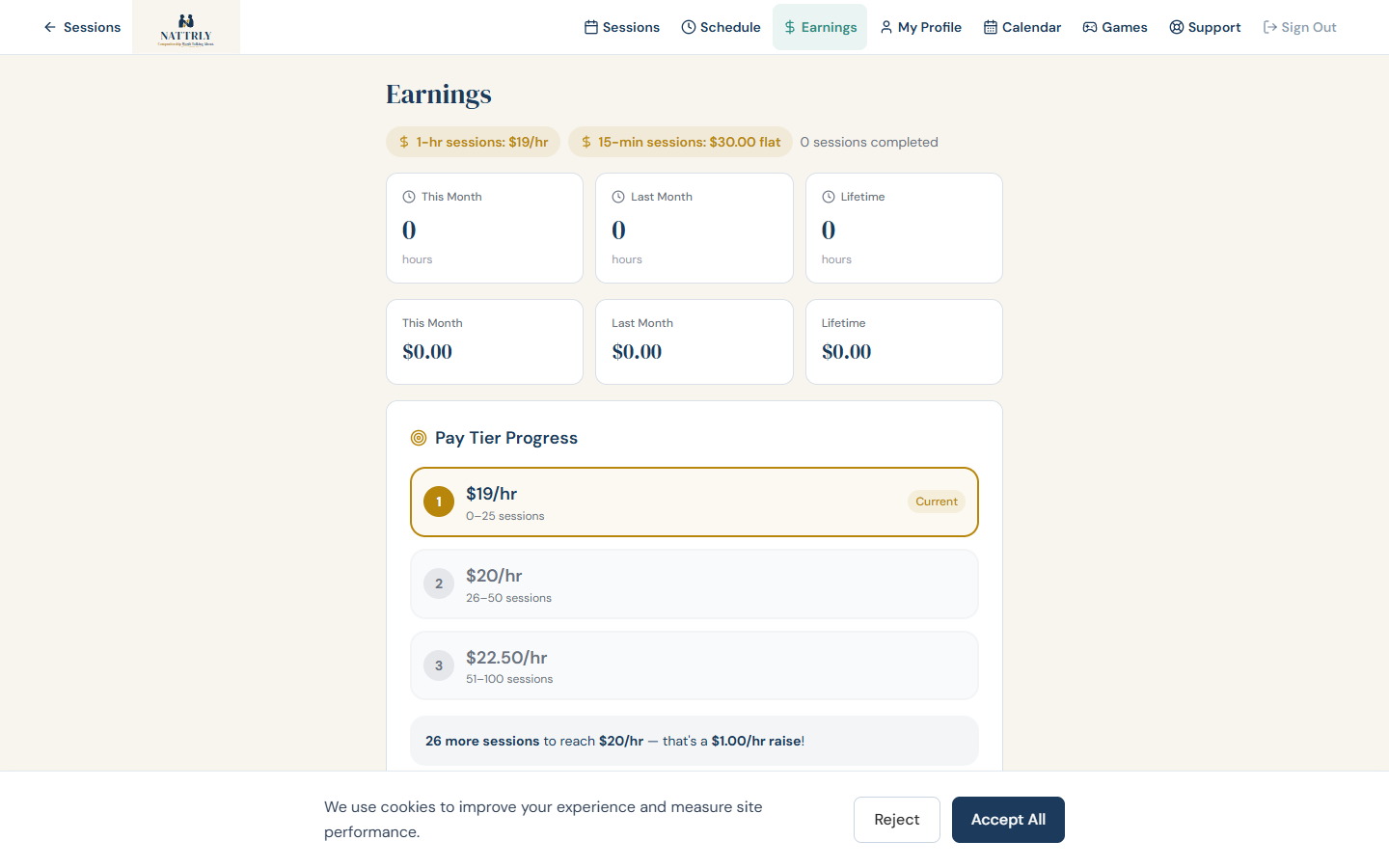
10. Earnings & Payouts
Your Earnings:
- 15-minute sessions: Flat rate of $30 per session
- Hourly sessions (tiered by experience):
- 0–25 completed sessions: $19/hour
- 26–50 completed sessions: $20/hour
- 51+ completed sessions: $22.50/hour
Eligibility: Trusted Companions must be at least 21 years old and US work-authorized.
- Stripe Connect — during onboarding you connect your bank account via Stripe
- Automatic payouts — after a session is completed, your earnings are deposited to your bank account
- Earnings dashboard — view your total earnings and current-month earnings on your Trusted Companion dashboard at Earnings
- Payout timing — typically arrives within 2–3 business days after session completion
- Early endings — if a session ends early, you are paid for the actual time used (rounded up to the nearest 15 minutes)
- Taxes — you are an independent contractor. Nattrly does not withhold taxes. You are responsible for reporting your earnings
Video coming soon
11. Your Schedule & Calendar
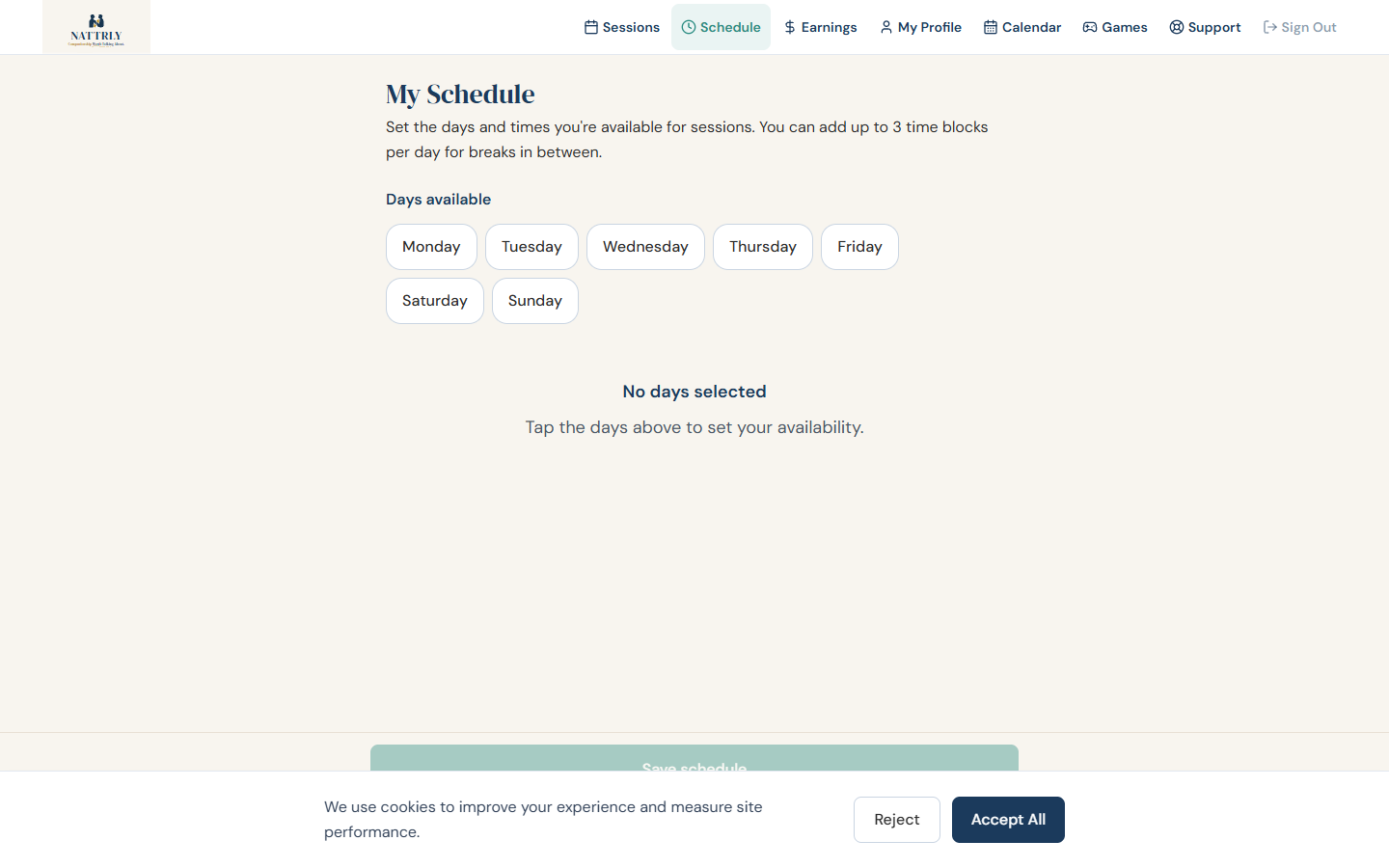
Setting Your Availability
- Go to Schedule in your Trusted Companion dashboard
- Set which days of the week you're available
- Set your available hours for each day
- Members will only see time slots that match your availability
- Keep this updated — it prevents bookings at inconvenient times
Calendar Integration
Your Nattrly account is connected to a scheduling calendar. You can access it via the Calendar link in your navigation bar. This syncs your availability and shows all your booked sessions in one place.
Viewing Your Sessions
- The Sessions page shows all your sessions across every status
- Filter by: Pending, Accepted, Active, Completed, Cancelled, etc.
- A red badge on the Sessions tab shows upcoming sessions that need attention
12. Account Standing
Your account status determines whether members can book you. Here's what each status means:
Approved
Your profile is live. Members can find and book you.
Under Review
Your background check is processing. Usually 1–3 business days.
Suspended
Temporarily paused due to a policy concern or content moderation flag. Contact support to resolve.
Deactivated
Account permanently deactivated. Contact support if you believe this is an error.
What Can Lead to Suspension
- Repeated no-shows, failing to respond to bookings within the 48-hour window, or last-minute cancellations
- Member safety complaints
- Content moderation violations during virtual calls
- Violating platform policies (see Do's and Don'ts)
- Requesting payment outside of Nattrly
13. Do's and Don'ts
Do
- ✓ Be warm, friendly, and patient
- ✓ Arrive on time or be ready for virtual calls
- ✓ Review the member's profile before each session
- ✓ Respect accessibility needs and preferences
- ✓ Keep conversations positive and engaging
- ✓ Report safety concerns immediately
- ✓ Respond to bookings promptly (auto-cancel 2h before session)
- ✓ Keep your availability updated
- ✓ Use status buttons (En Route, Arrived, Start, Complete)
Don't
- ✕ Accept cash, gifts, or tips outside the platform
- ✕ Share personal contact info (address, personal phone)
- ✕ Provide medical, legal, or financial advice
- ✕ Administer medication or provide physical care
- ✕ Transport members in your vehicle
- ✕ Cancel sessions without notice
- ✕ Use your phone for personal tasks during sessions
- ✕ Discuss other members or Trusted Companions
- ✕ Use abusive or threatening language on calls
14. Getting Help